
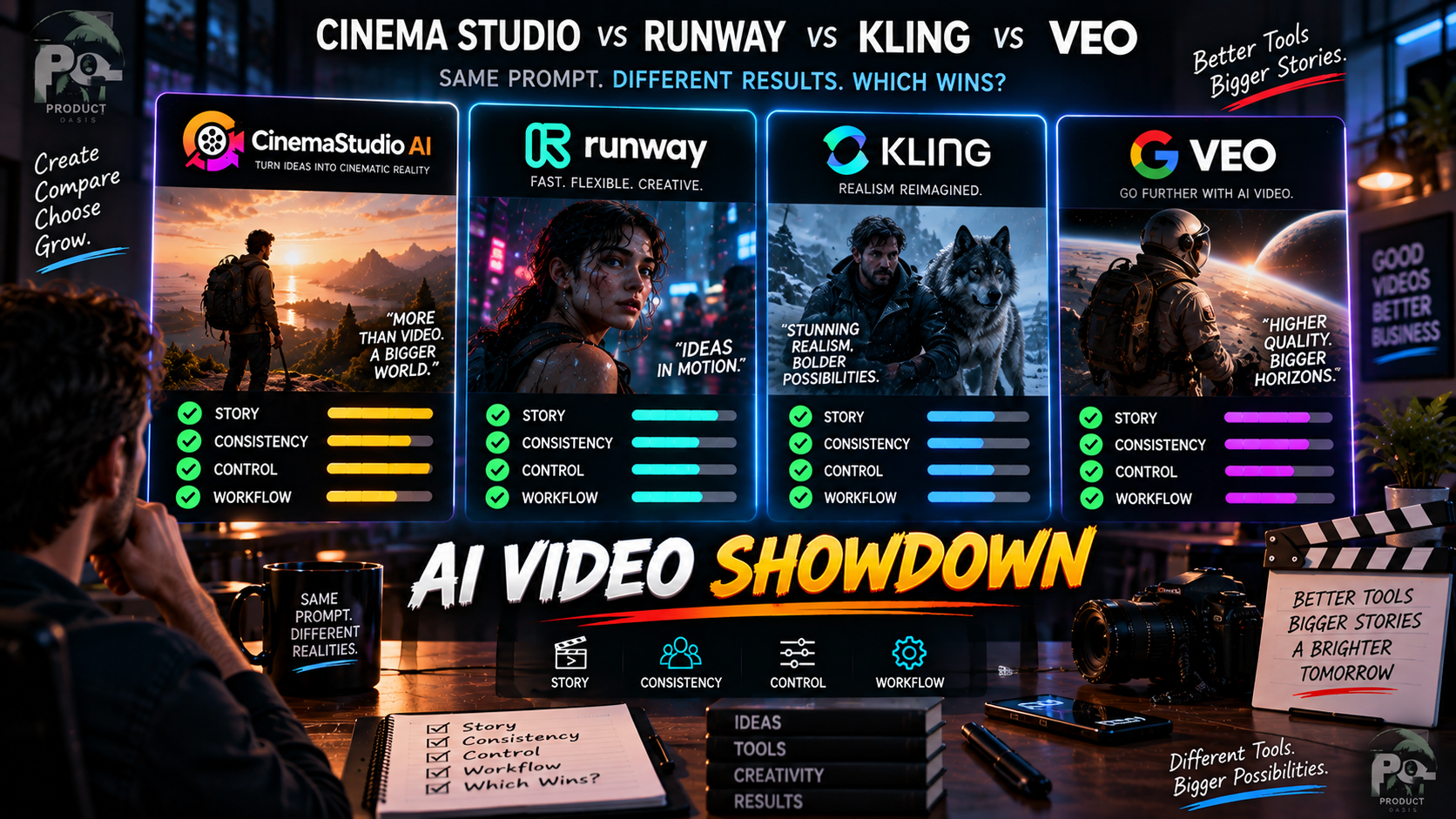
Which AI video platform is better: CinemaStudio AI, Runway, Kling or Veo? The answer depends less on which model produces the prettiest individual clip and more on the kind of workflow you need. CinemaStudio AI is built around story-first filmmaking, while platforms such as Runway, Kling and Veo put more emphasis on advanced generative video creation and experimentation. If you want to explore CinemaStudio AI yourself, check the current CinemaStudio AI offer.
So there isn’t one universal winner. If your goal is to build a complete story with characters, worlds, storyboards, narration and editing in one workflow, CinemaStudio AI has a different value proposition from a platform primarily centered on generating and iterating individual AI video clips.
CinemaStudio AI vs Runway vs Kling vs Veo: Quick Answer
Short answer: Choose based on the job you want the AI to perform.
| Platform | Best Fit | Main Strength |
|---|---|---|
| CinemaStudio AI | Story-driven filmmaking | Connected workflow for stories, characters, worlds, storyboards, production and editing |
| Runway | Advanced AI video creation and creative iteration | Broad generation, editing and access to multiple AI models |
| Kling | Generative cinematic clips | Text/image-to-video, start/end frames, multi-shot and audio on current models |
| Veo | High-end generative video and filmmaking | Video generation with audio, strong visual control and cinematic storytelling capabilities |
This comparison is about positioning rather than declaring a universal quality winner. AI video platforms change rapidly, and the best choice can depend on the specific model, plan and project you’re working on.
What Makes CinemaStudio AI Different?
CinemaStudio AI’s main distinction is that it approaches AI video as a filmmaking workflow.
The supplied product materials describe an AI cinematic story engine, hundreds of film templates, story categories and sub-genres, custom characters and universes, storyboard previews, AI voiceover and music, browser-based timeline editing and multi-format export. :contentReference[oaicite:0]{index=0}
That means the platform is trying to solve more than the question, “Can AI generate this shot?”
It is also trying to answer:
- What is the story?
- Who are the characters?
- What does the fictional world look like?
- What should happen in each shot?
- How should the scenes connect?
- How should narration and music fit the story?
- How do I assemble everything into a finished video?
For creators who want a structured route from idea to finished film, that difference can matter more than individual generation benchmarks.
How Does CinemaStudio AI Compare With Runway?
Runway is a broader creative AI platform with tools for video generation, image generation, editing and other creative workflows. Its current documentation describes Gen-4.5 as supporting both text-to-video and image-to-video generation, with outputs from 2 to 10 seconds. :contentReference[oaicite:1]{index=1}
Runway also provides editing capabilities and access to multiple AI models. Its current Pro plan documentation states that Pro includes access to every AI image and video model available through Runway, including third-party models, along with generative audio tools. :contentReference[oaicite:2]{index=2}
That makes Runway particularly attractive if you want a flexible creative environment where you can experiment with different generation and editing tools.
CinemaStudio AI takes a more packaged approach. Its strength is the connected filmmaking workflow rather than giving you a large toolbox and leaving you to design the production process yourself.
How Does CinemaStudio AI Compare With Kling?
Kling is another strong option when the primary objective is generative video. Current Kling models available through Runway’s model ecosystem include text-to-video and image-to-video capabilities, with Kling 3.0 Pro also supporting start/end frames, multi-shot generation, audio and speech. :contentReference[oaicite:3]{index=3}
That makes Kling particularly interesting for creators who want to experiment with individual cinematic sequences, motion, camera movement and increasingly sophisticated generative video capabilities.
CinemaStudio AI is positioned differently. Instead of making the generative clip itself the center of the workflow, it wraps story development, characters, universes, storyboards and production around the filmmaking process.
So the practical question is whether you want a powerful generative video tool or a more structured AI filmmaking environment.
How Does CinemaStudio AI Compare With Veo?
Google DeepMind describes Veo 3.1 as its leading video generation model, with capabilities covering text-to-video, image-to-video and text-to-audio-plus-video generation. Google also highlights realistic physics, greater consistency and creative control, with Veo integrated into products including Gemini and Google Flow. :contentReference[oaicite:4]{index=4}
Veo is therefore particularly compelling if your priority is the underlying quality and capabilities of a leading generative video model.
CinemaStudio AI is solving a somewhat different problem. It is designed to package storytelling and production into a workflow that includes the surrounding creative stages rather than focusing exclusively on the generative model itself.
Which Platform Is Better for Storytelling?
If you’re trying to produce a complete short story or film, the distinction becomes clearer.
| Need | Potentially Better Fit |
|---|---|
| Structured story-to-film workflow | CinemaStudio AI |
| Flexible AI generation and editing | Runway |
| Generative cinematic clip experimentation | Kling |
| Advanced generative video and native audio | Veo |
This doesn’t mean CinemaStudio AI will produce better individual shots than every competing model. It means its value is partly in how the production is organized.
Which Is Better for YouTube Creators?
For YouTube creators, the answer depends on the type of channel.
If you’re making cinematic stories, faceless films, recurring characters, children’s stories or episodic content, CinemaStudio AI’s story-first structure can be attractive because the workflow is designed around producing complete videos.
If you’re a visual creator who wants maximum flexibility to generate, edit, iterate and combine different AI models, Runway may be the more natural fit.
If your strategy revolves around generating highly cinematic individual sequences, Kling or Veo may be worth exploring alongside other production tools.
For a broader look at CinemaStudio AI’s features, pricing and use cases, read the complete CinemaStudio AI review.
What About Character and Story Consistency?
This is one area where the workflow matters considerably.
CinemaStudio AI’s product materials describe Photo-To-Character, custom characters, custom universes and storyboard review. These tools are designed around building a recurring cast and visual world rather than treating each generated clip as an isolated experiment. :contentReference[oaicite:5]{index=5}
Other platforms also offer tools for maintaining subjects and scenes, so this shouldn’t be interpreted as saying CinemaStudio AI is the only platform capable of consistency.
The distinction is that CinemaStudio AI makes those concepts part of a broader story-production workflow.
Watch the CinemaStudio AI Workflow
If you’re comparing these platforms because you want to make complete films rather than isolated AI clips, the workflow itself is worth seeing. The video below provides a useful look at the CinemaStudio AI approach.
Want to see whether the story-first approach fits your projects? Explore CinemaStudio AI and compare the workflow for yourself.
What About Pricing?
Pricing comparisons are difficult because these platforms use different credit systems, plans and model-access structures.
The September 2026 CinemaStudio AI launch materials list the Commercial plan at $37, with Unlimited Pro at $67 and additional upgrades available separately. :contentReference[oaicite:6]{index=6}
Runway currently uses a monthly credit system. Its documentation lists 625 monthly credits for Standard, 2,250 for Pro and 9,500 for Max, with access and capabilities varying by plan. :contentReference[oaicite:7]{index=7}
Rather than comparing sticker prices alone, consider how many generations you need, which models you need access to, whether you need editing tools and whether you want a packaged filmmaking workflow or a broader generative environment.
Which One Should You Choose?
Choose CinemaStudio AI if…
- You want a story-first filmmaking workflow.
- You want characters and fictional worlds to be part of the production process.
- You prefer storyboard-driven creation.
- You want narration, music and editing integrated into the workflow.
- You are building faceless, cinematic or episodic YouTube content.
- You want a more guided path from idea to finished video.
Choose Runway if…
- You want a broad creative AI platform.
- You expect to experiment with multiple AI models.
- You want sophisticated generation and editing capabilities in one environment.
- You are comfortable designing your own production workflow.
Consider Kling if…
- Your priority is generative video experimentation.
- You want text-to-video or image-to-video generation.
- You are interested in multi-shot or start/end-frame workflows.
- You want to explore current generative video models with audio capabilities.
Consider Veo if…
- You prioritize advanced generative video quality and control.
- Native audio-plus-video generation is important to your workflow.
- You want to experiment with Google’s latest video generation capabilities.
- You are interested in cinematic creation through Google Flow and related products.
Frequently Asked Questions
Is CinemaStudio AI better than Runway?
Not universally. CinemaStudio AI is better suited to a structured story-first filmmaking workflow, while Runway offers a broader creative environment with extensive generation, editing and model options.
Is CinemaStudio AI better than Kling?
It depends on the task. Kling is attractive for generative video creation and cinematic clip experimentation, while CinemaStudio AI focuses more heavily on the complete story-to-film workflow.
Is CinemaStudio AI better than Veo?
These platforms serve different purposes. Veo is a leading generative video model with text-to-video, image-to-video and native audio-plus-video capabilities, while CinemaStudio AI packages story development and filmmaking tools into a broader workflow.
Which is best for making AI movies?
If you want a guided workflow covering story, characters, worlds, storyboards, production and editing, CinemaStudio AI is worth considering. If your priority is experimenting with individual high-end generated shots, Runway, Kling or Veo may be more appropriate depending on the specific task.
Can CinemaStudio AI replace Runway, Kling or Veo?
It doesn’t necessarily need to. The platforms can serve different roles. CinemaStudio AI emphasizes the production workflow, while Runway, Kling and Veo provide powerful generative video capabilities. Your ideal setup may depend on whether you value workflow simplicity or maximum model-level experimentation.
Final Thoughts
There is no single winner in the CinemaStudio AI vs Runway vs Kling vs Veo comparison.
If your priority is story-first AI filmmaking, CinemaStudio AI has a compelling angle: it connects story development, characters, universes, storyboards, production, audio and editing into one workflow.
If your priority is generative video experimentation and model flexibility, Runway, Kling and Veo deserve serious consideration, with each offering different strengths and capabilities.
The smartest choice is therefore to start with the type of content you want to produce rather than choosing a platform simply because its latest demo looks impressive. And if CinemaStudio AI’s workflow sounds closer to what you’re trying to build, read the complete CinemaStudio AI review, pricing and feature breakdown.